Template-driven but still creative
Users do not get locked into a fixed layout. They choose a preset theme, place the image themselves, adjust size and position, and customize the final composition.

JoySpace Photo Station is a modern event-ready solution for photo capture, template-based design, free editing, printing, automatic die-cutting, download, and social sharing. Guests can choose a template, place their photo, adjust composition, add text, fonts, effects, stickers, and emojis, then print and take away a finished branded keepsake.
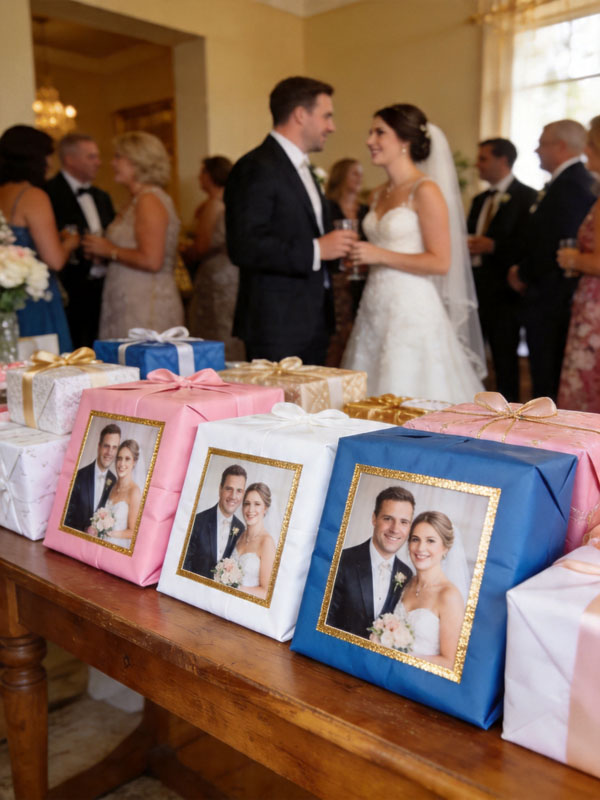
Built for winery activations, weddings, conferences, branded giveaways, pop-up events, retail experiences, and seasonal campaigns.
Capture, template selection, editing, print, die-cut, save, and share in one self-service station.
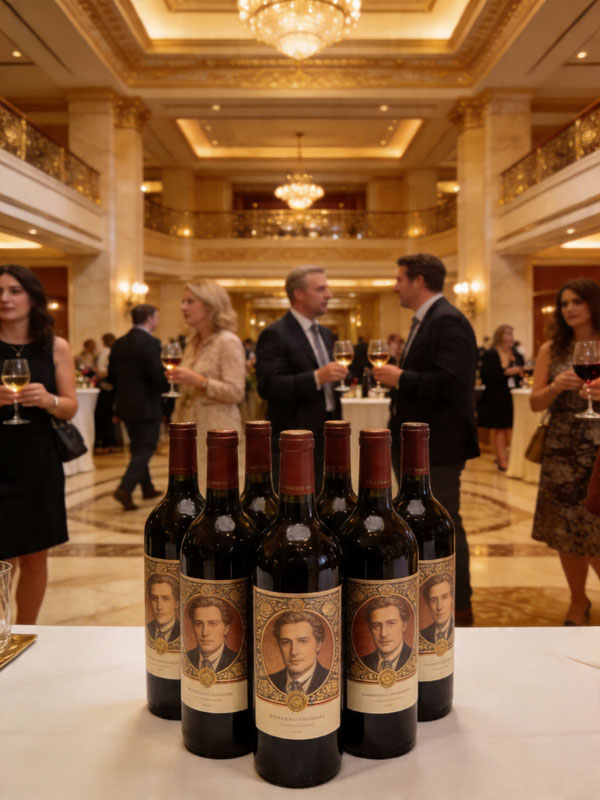
Guests leave with labels that look like real products instead of ordinary photo prints.
Final artwork can be downloaded and shared on Instagram, Facebook, TikTok, Snapchat, and WhatsApp.
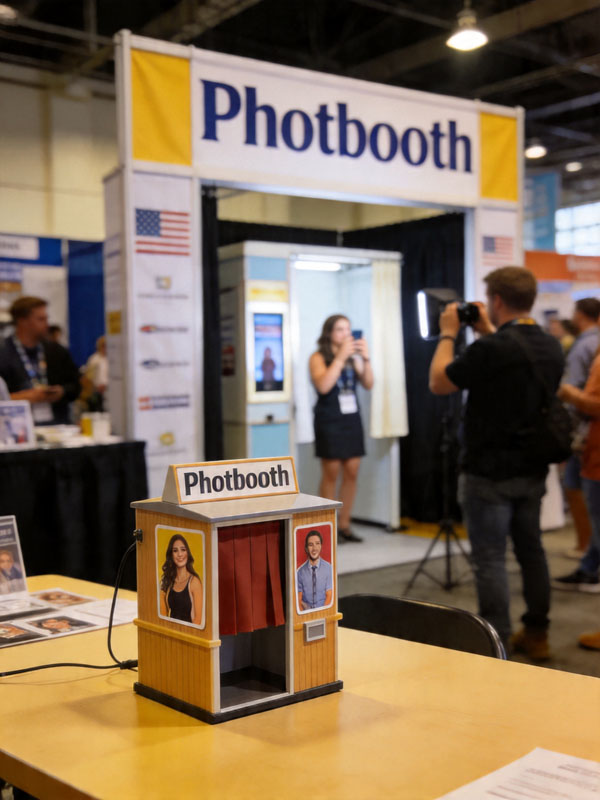
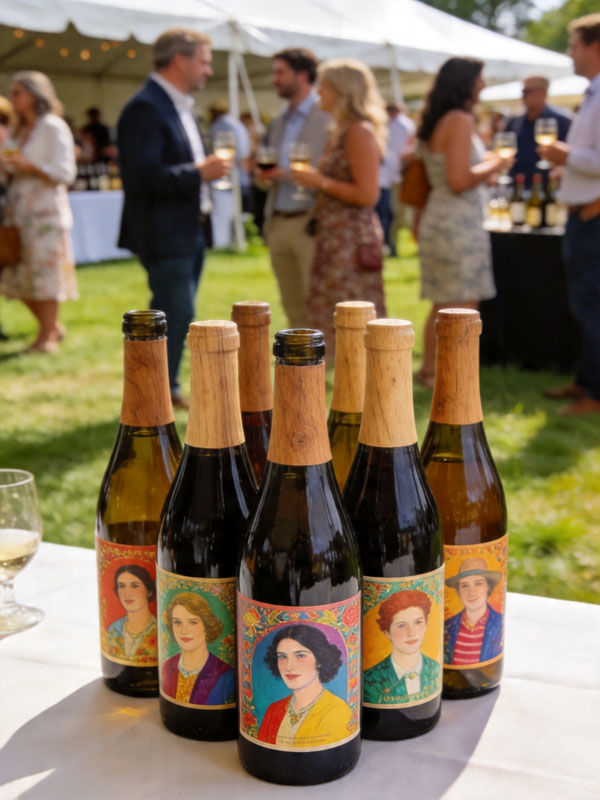
Guests capture a photo, personalize a template, and output a label-ready design for bottles, gift boxes, packaging, and event keepsakes.
The content on this site is based on the uploaded English product copy for the homepage, detailed product page, and partner page, including the workflow of template selection, manual image placement, text editing, sticker decoration, immediate printing, automatic die-cutting, and download / sharing.
Users do not get locked into a fixed layout. They choose a preset theme, place the image themselves, adjust size and position, and customize the final composition.
The editing stage supports text, names, dates, slogans, font styles, visual text effects, stickers, emojis, and small decorative graphics for a more playful and branded result.
After production, the final composite image is still saved for mobile download and social sharing, extending the event experience beyond the venue itself.
A compact and intuitive path from photo capture to take-home output.
Guests capture a selfie or use the event device to take a portrait on-site.
Users choose the best style for a wedding, wine label, conference souvenir, or brand campaign.
They place the photo, resize it, reposition it, add text, fonts, effects, stickers, emojis, and decorative elements.
The approved design is printed on adhesive photo paper and finished by the automatic cutter.
The final artwork remains available for mobile download and social distribution.
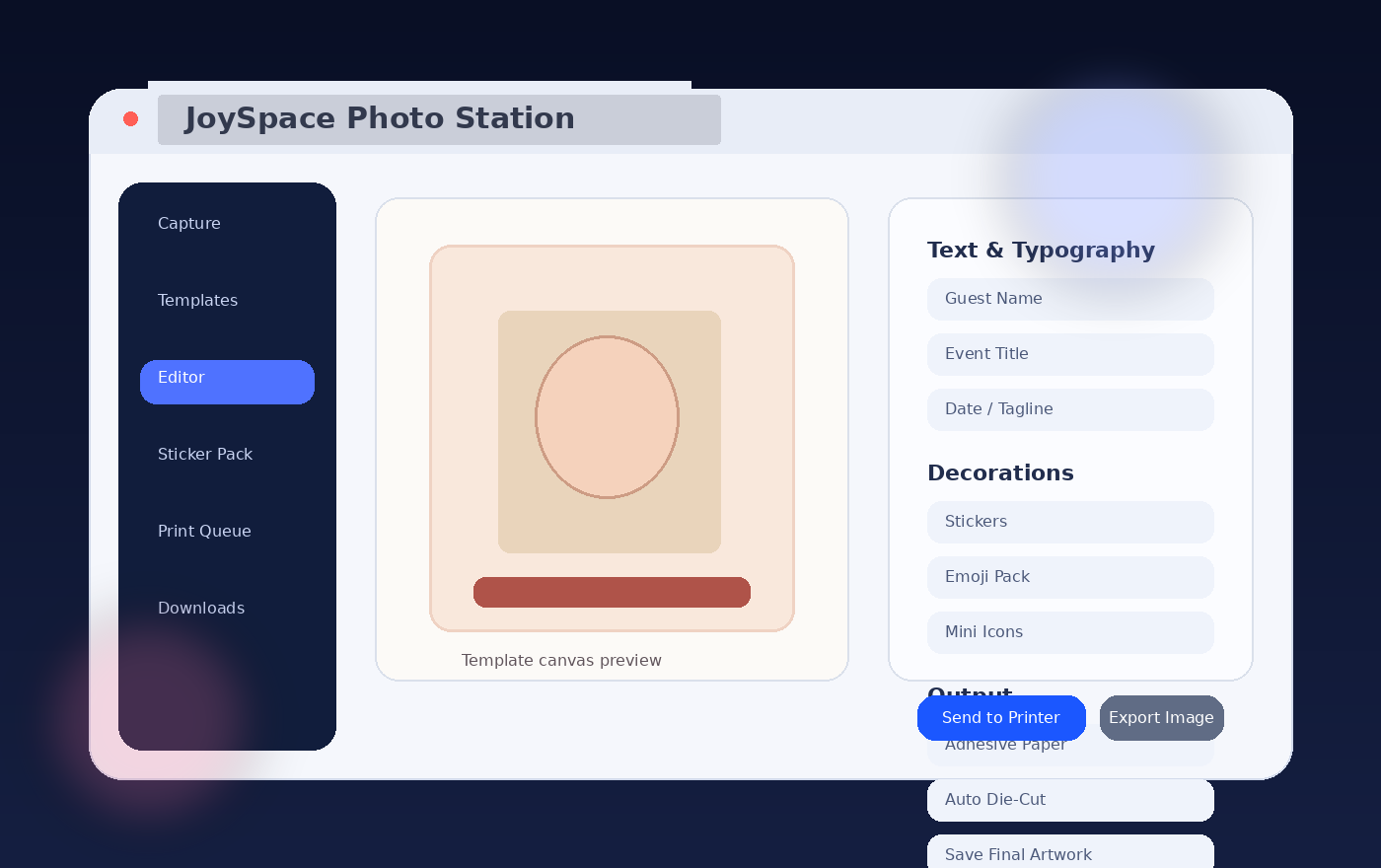
This package includes a visual placeholder screenshot so the page structure is ready immediately. It can be replaced later with the actual software UI without redesigning the page.
Included event and application visuals, plus layout-ready placeholders for missing machine assets.
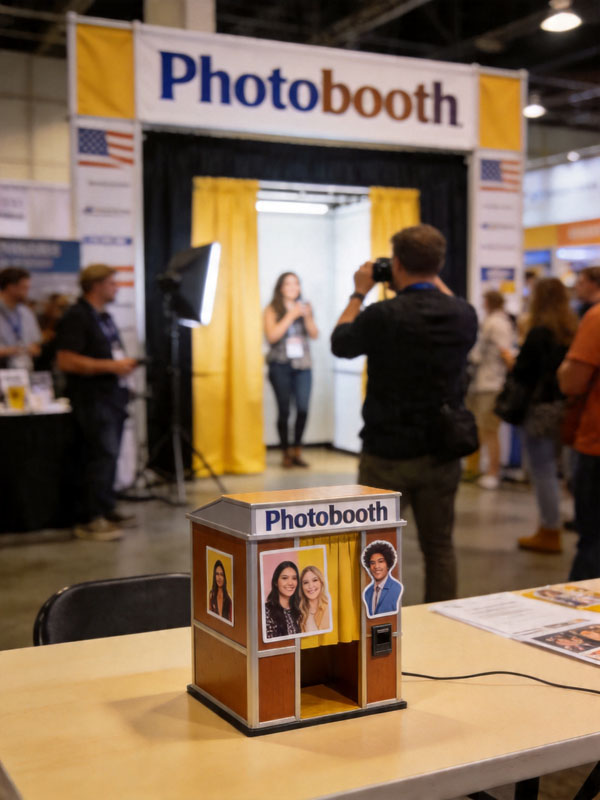
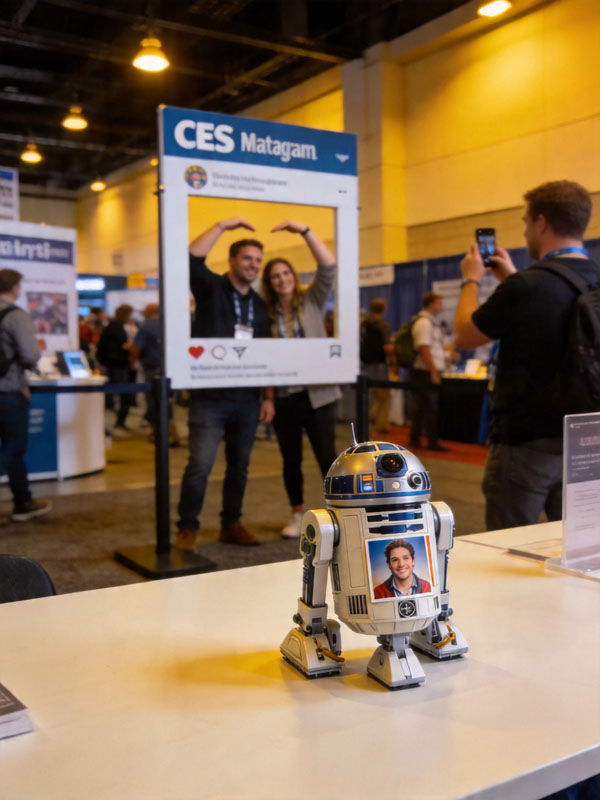
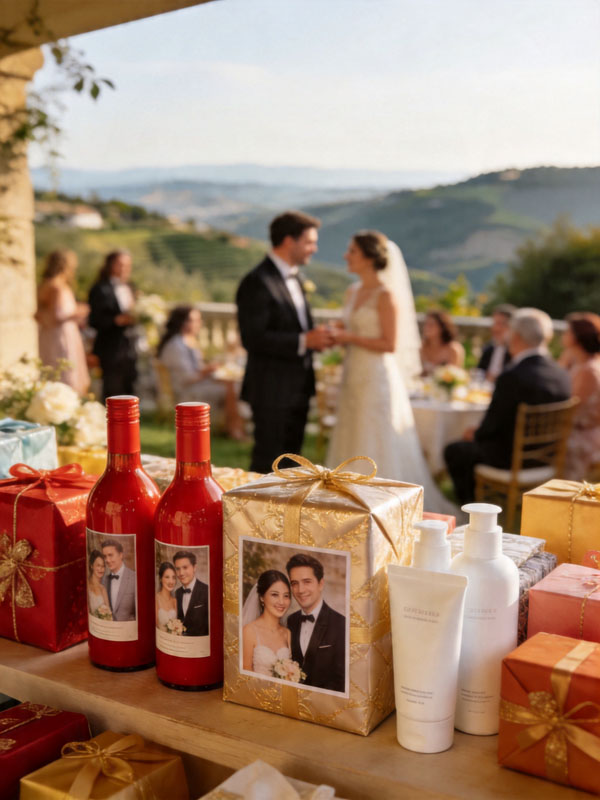
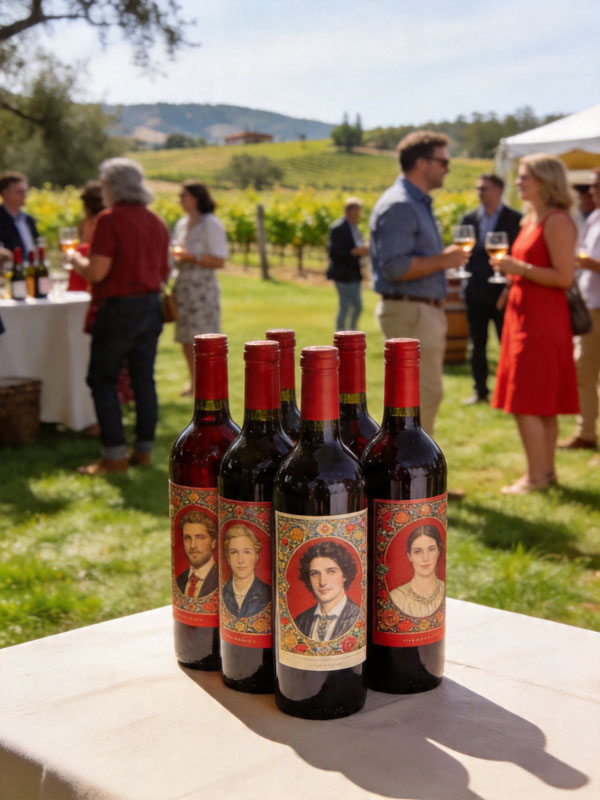
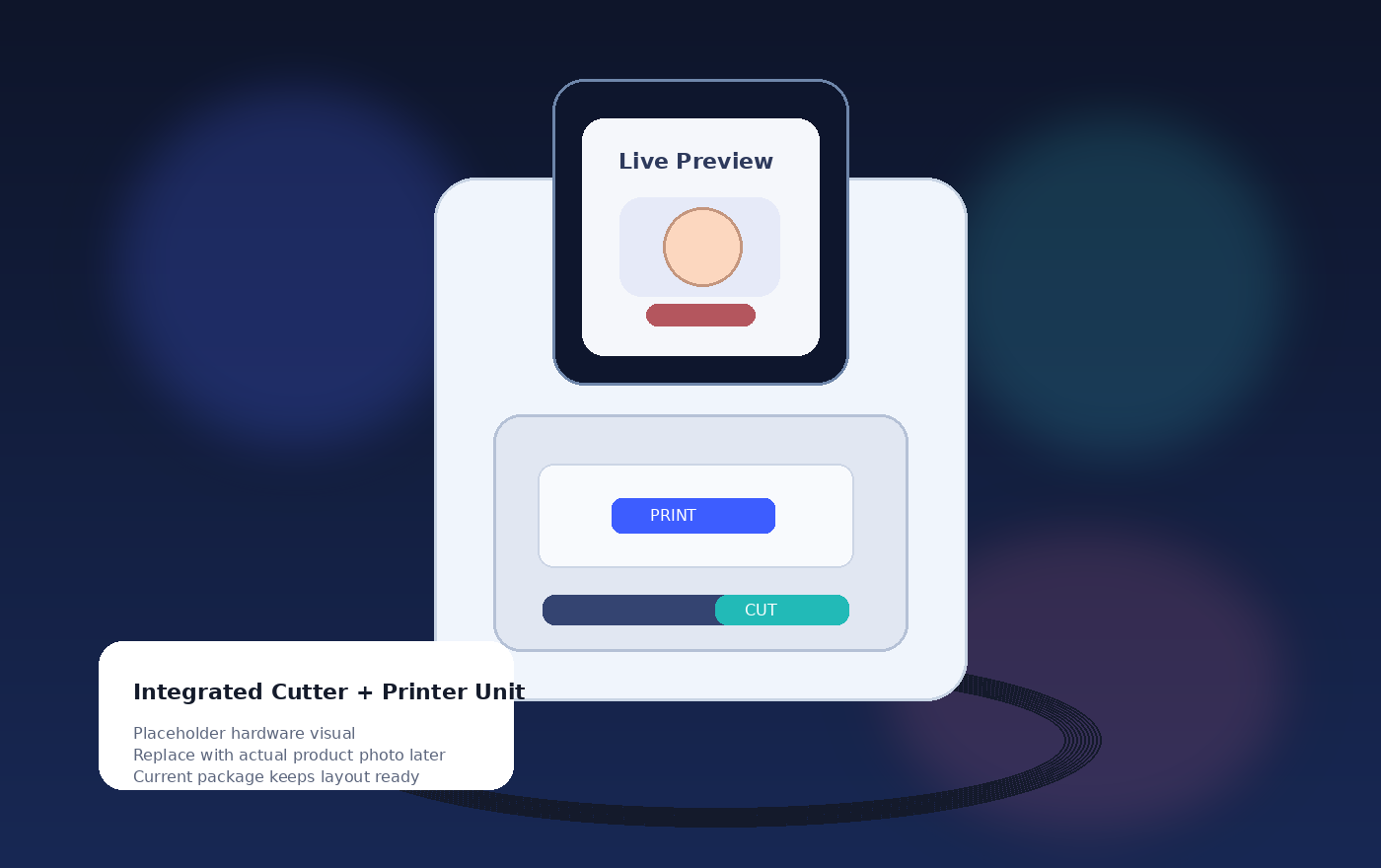
Replace later with the actual product photo.
Use the details page for product explanation, the partnership page for commercial outreach, and the downloads page when software files are ready.